Product and application information
- Match by
- Product family, material and measurement route
- Typical files
- Product overview, model data sheet, application questionnaire and technology guide
Resource centre
Start with the task you need to complete, then match the document request to the exact model, hardware option, software version and project stage.
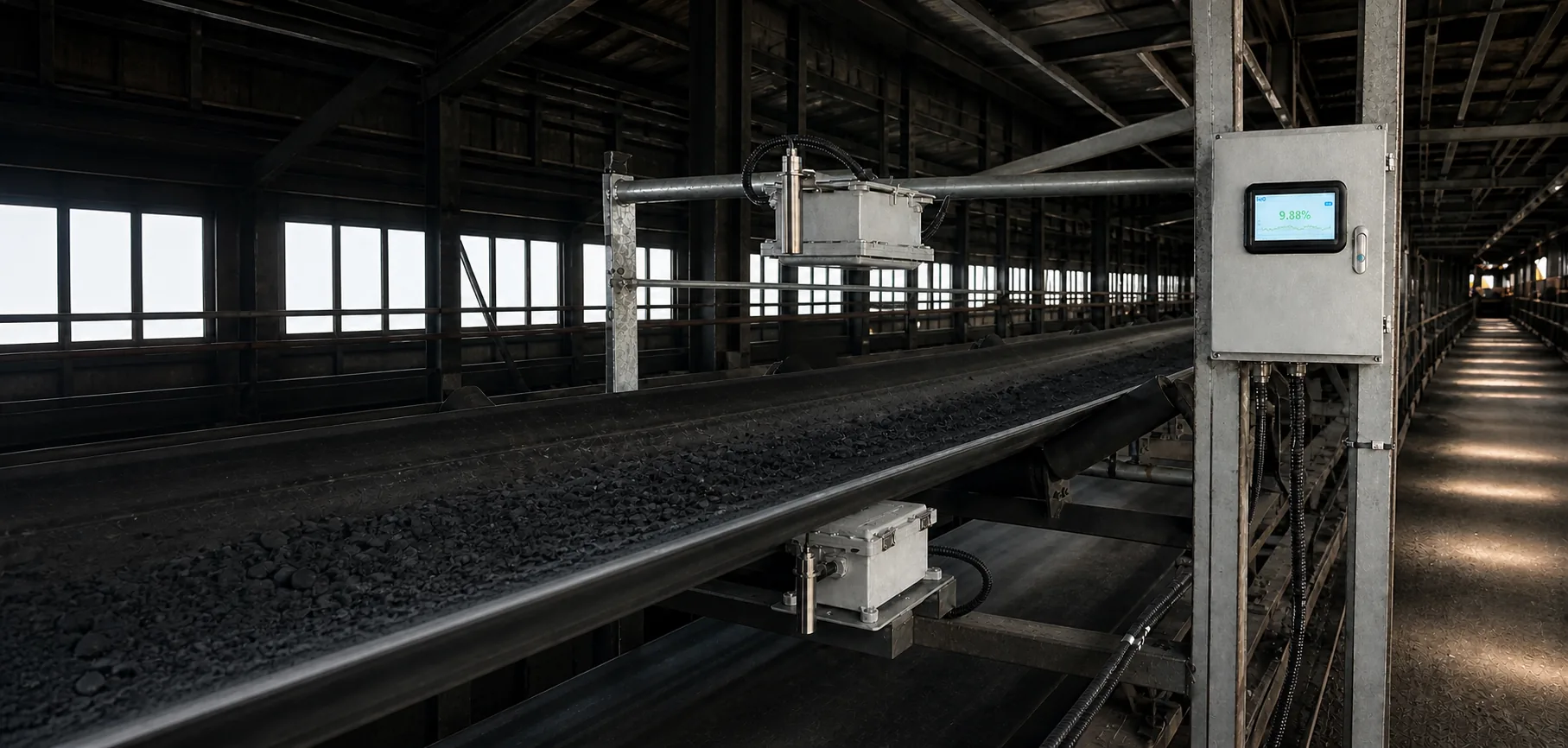
Technical document catalogue
Each request is matched to the exact model, supplied options and current revision. Product documents support equipment selection and engineering; project records preserve what was actually installed and accepted.
Find the correct revision
Documents should follow the exact product revision and the reader's task. Selection material explains application fit; approved drawings and electrical documents support engineering; commissioning records capture the installed state; maintenance documents keep the system available. Mixing these purposes leads to wrong dimensions, signals or operating assumptions.
Use model, serial number, hardware option, software version, language and project number to locate the correct controlled document set.
Keep commercial overviews separate from approved drawings, manuals, register maps, calibration records and service instructions.
Add final mounting dimensions, cable numbers, PLC tags, parameters, photographs and approved deviations to the project file.
Issue revisions with dates and change notes, remove superseded copies from use and notify affected operators, partners and integrators.
Technical document set
Use the model, serial number, hardware option and software version to request the correct controlled document set.
Identify the system
Document-control risks
An older drawing or register map may look similar but produce installation or communication errors.
Files saved without revision identity remain in circulation after the official document changes.
A generic manual cannot replace the final installation, parameter and calibration record for the actual site.
Model-specific documents
Send the model, serial number or project reference and tell us whether you are selecting, installing, integrating or maintaining the system. We will match the request to the applicable document revision.
Share a few process details and our application team will recommend a suitable technology, installation concept and validation plan.